

Process is to upload the files to the secure section. These files will only be available to logged in active members.
Go to “Secure Files” in the left side menu.

Choose File to upload:
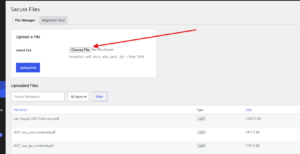
Navigate to the file on your computer that you want to upload
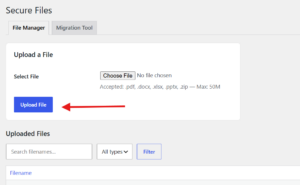
Select the file then click “Upload”
Click and copy the link of the file you uploaded:
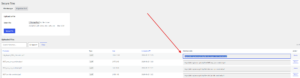
Paste link where you need to use it.


